Operations
10 min
A realistic walkthrough of how a 3PL operations team manages label variations for 20 clients without IT projects. From pipeline setup to printer output, step by step.
zplflow team
Aug 31, 2026
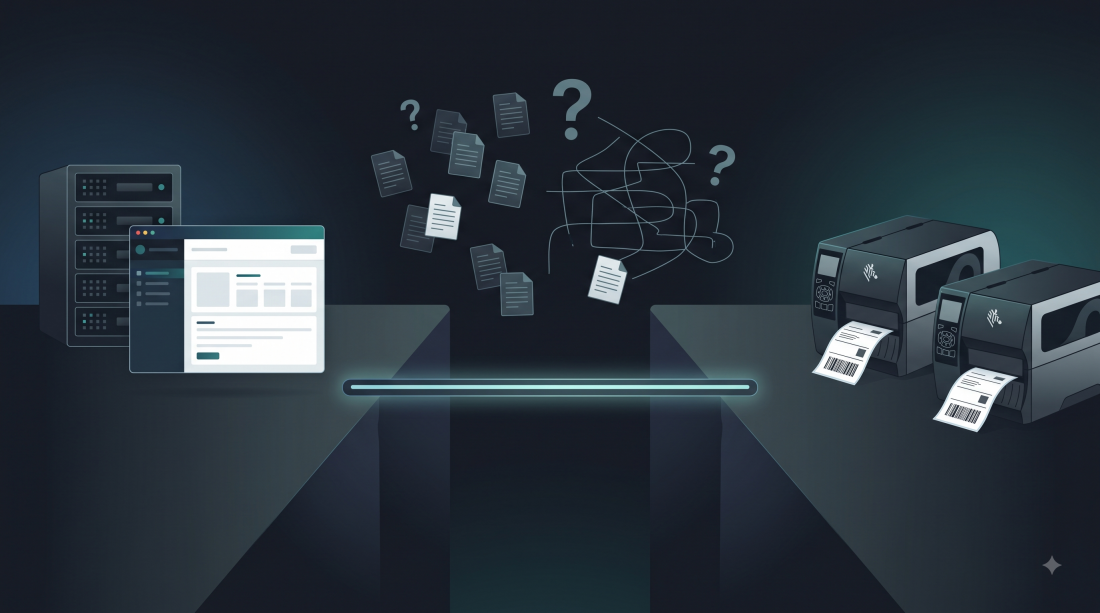
It is 7 AM on a Monday. A regional 3PL is preparing shipments for 20 clients. Each client has different label requirements: different barcode formats, different compliance fields, different logo positions, different label sizes.
Five hundred labels need to go out today. Twenty different specifications. Zero room for errors.
Here is how that works when labels are infrastructure instead of IT projects.
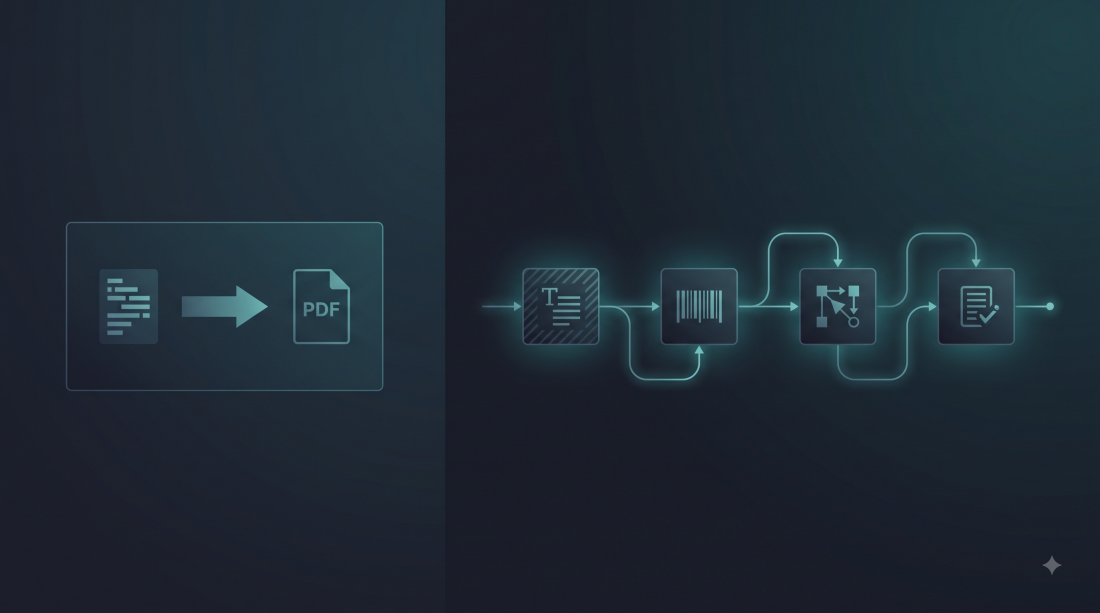
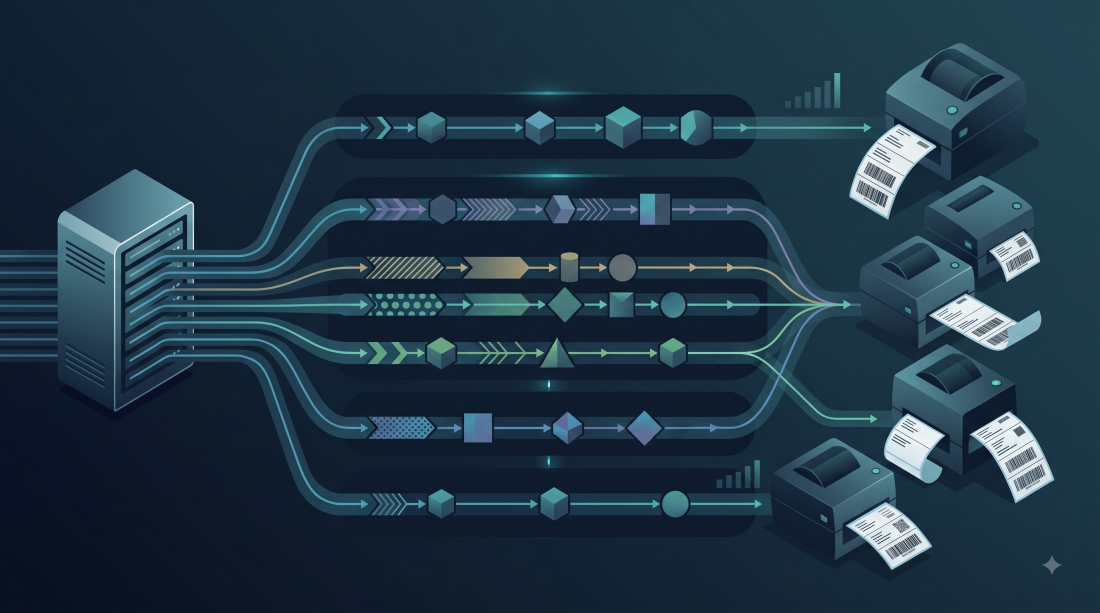
The 3PL’s developer spent one afternoon setting up the label layer. For each of the 20 clients, they created a pipeline. A pipeline is a JSON file that defines the transformations to apply to every label for that client.
Client A (electronics retailer) needs:
Client B (pharma distributor) needs:
Client C (Amazon FBA seller) needs:
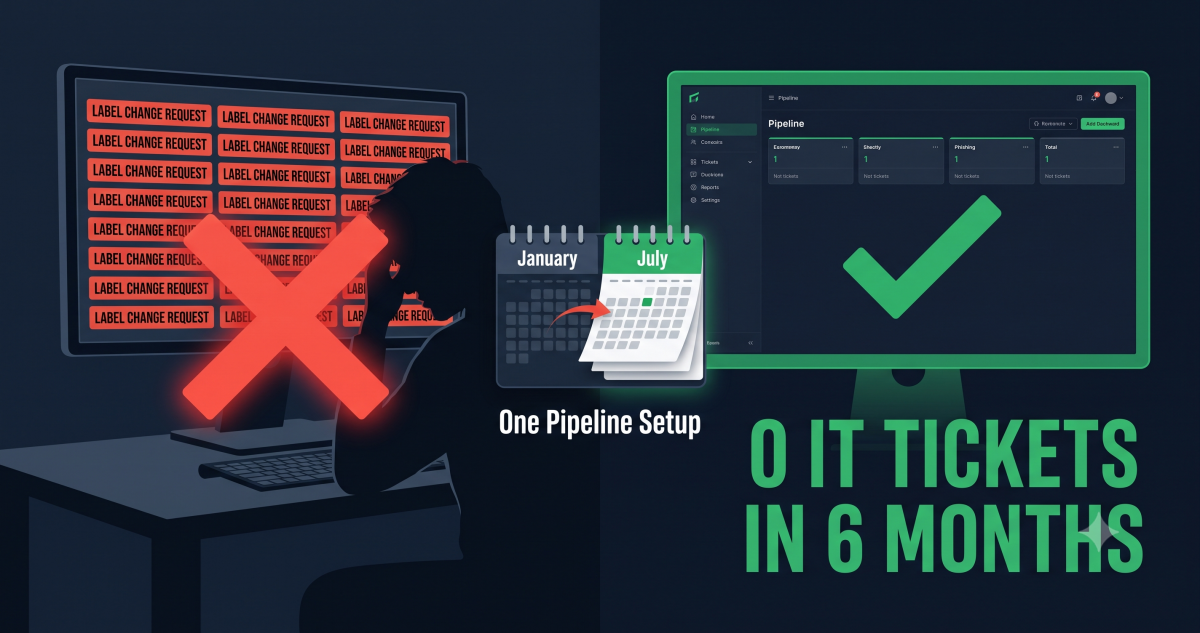
Each pipeline is defined once. The pipelines do not change unless a client requests a modification. And when a client does request a change, it is a 5-minute pipeline update, not a 3-week IT project.
At 7 AM, the warehouse management system generates the day’s shipping orders. Each order includes:
The WMS sends each order to the label infrastructure via API. The request includes the client ID (which determines which pipeline to use) and the order data (which fills in the dynamic variables).
POST /v1/pipelines/{client-a-pipeline-id}/apply
{
  "documents": [{
    "zpl_base64": "<base template>",
    "variables": {
      "tracking_number": "1Z999AA10123456784",
      "client_name": "ElectroRetail BV",
      "destination": "Amsterdam",
      "is_fragile": "true"
    }
  }]
}
The pipeline engine:
is_fragile variable and adds “FRAGILE” text because it is “true”The ZPL goes directly to the Zebra ZT411 printer on the packing station. The label prints. The packer applies it to the box. The box moves to the shipping lane.
For high volumes, the 3PL uses async batch processing. Instead of sending 500 individual API calls, they upload a batch file and the system processes it in the background.
The workflow:
Total processing time for 500 labels: under 5 minutes. The labels are ready before the first packing station starts.
At 11 AM, Client D (a food distributor) calls: “We need to add the best-before date to all labels starting today. GS1-128 format, Application Identifier 17.”
In the old workflow, this would be:
In the pipeline workflow:
add_gs1_128 with AI(17) mapped to {{best_before_date}}Time: 5 minutes. Cost: 0 euros (pipeline updates are free, only label executions cost tokens). Client D’s labels start including the new field within the hour.
Let us look at the actual cost for this 3PL’s daily operation.
Client A (electronics): 50 labels per day. Pipeline includes 3 DOM steps (replace text, add barcode, conditional text). Cost: 1 token per label. Total: 50 tokens per day.
Client B (pharma): 30 labels per day. Pipeline includes 4 DOM steps (add GS1-128, add DataMatrix, add text, replace text). Cost: 1 token per label. Total: 30 tokens per day.
Client C (Amazon FBA): 80 labels per day. Pipeline includes 2 DOM steps (add barcode, add text). Cost: 1 token per label. Total: 80 tokens per day.
Remaining 17 clients: average 20 labels per day each, 1 token per label. Total: 340 tokens per day.
Daily total: 500 tokens.
Monthly total (22 working days): 11,000 tokens.
Annual total: 132,000 tokens.
The Growth plan includes 80,000 tokens per month at 149 euros. This 3PL would need the Scale plan at 399 euros per month for 300,000 tokens, which covers their volume with room to grow.
Annual cost: 4,788 euros. That is less than a single IT project in the old workflow.
The 3PL’s developer used to spend 300 hours per year on label changes. That time is now gone. What do they do instead?
The IT team is building the business, not maintaining labels.
| Metric | Before (IT projects) | After (pipeline infrastructure) |
|---|---|---|
| Daily labels | 500 | 500 |
| Label change time | 2-4 weeks | 5 minutes |
| Label change cost | 1,500-3,000 euros | 0 euros (pipeline update) |
| Annual label cost | 30,000-50,000 euros | 4,788 euros (Scale plan) |
| IT time on labels | 300 hours/year | 10 hours/year |
| Client wait time | 2-4 weeks | Minutes |
| Error rate | 5-10% (manual ZPL editing) | < 0.1% (tested transformers) |
If you manage labels for more than 5 clients, the pipeline model is not a nice-to-have. It is the difference between treating labels as a recurring IT burden and treating them as a solved problem.
The setup takes 1 to 2 days for a developer. The pipelines take 10 minutes each to create. After that, label changes are operations tasks, not IT projects. Your operations team handles them directly. Your IT team works on your core product. Your clients get responses in minutes instead of weeks.
zplflow provides the pipeline engine, the API, and the token-based pricing. The free tier gives you 1,000 tokens per month to test with your real templates. The Growth plan at 149 euros per month covers most regional operations. The Scale plan at 399 euros covers high-volume 3PLs.
Set up your first pipeline in 10 minutes, try zplflow free
zplflow is label infrastructure for 3PLs and manufacturing. Programmable pipelines, bidirectional conversion, deterministic pricing. Your label layer, running in minutes.
Tag