Operations
9 min
Your WMS manages the warehouse, not labels. The gap between your WMS and your Zebra printers is costing you thousands per year in IT projects. Here is how to measure it.
zplflow team
Aug 25, 2026
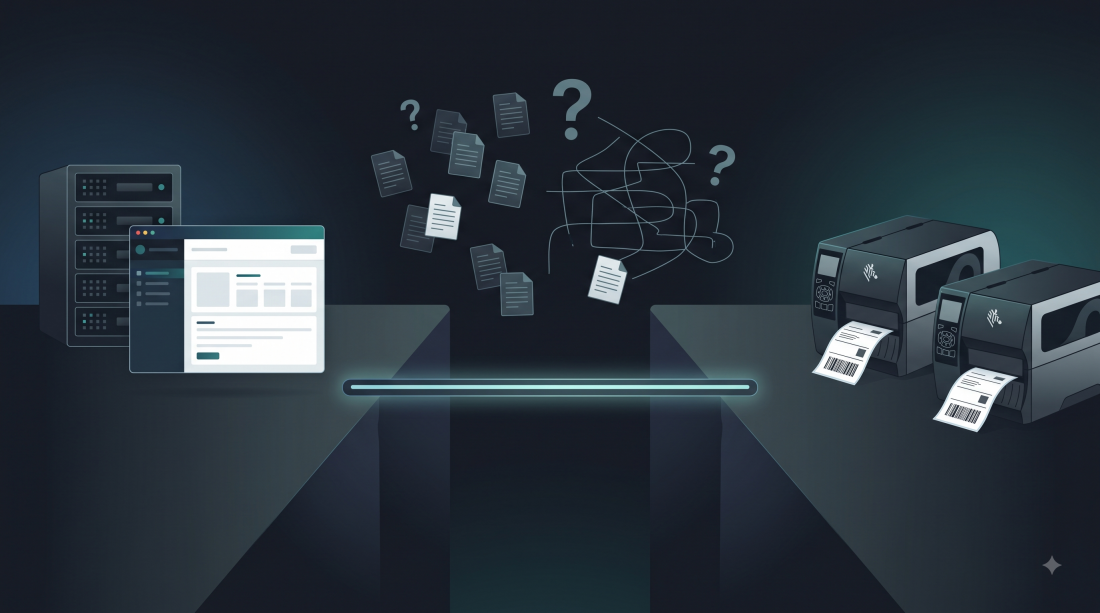
Your warehouse management system handles orders, picking, packing, and shipping. It is the brain of your operation. But there is a gap between what your WMS produces and what your Zebra printers need, and that gap is costing you more than you think.
The WMS generates a shipping order. The printer needs a ZPL label with the right barcode, the right format, and the right compliance data for each client. The WMS does not speak ZPL. The printer does not speak WMS. Something has to bridge that gap.
Most 3PLs and manufacturers bridge it with IT projects. Those projects are the hidden cost.
Here is what happens in a typical warehouse when a label needs to be printed:
Step 2 is where the problem lives. If your WMS has a built-in label module, it probably generates a basic ZPL template. But “basic” does not cover:
Each of these requirements is a label adaptation. Each adaptation is a project. Each project has a cost.
Let us put numbers on the problem. Based on conversations with European 3PLs and mid-size manufacturers, here is what a typical label adaptation costs:
Direct costs:
Indirect costs:
Annual aggregate:
And here is the critical point: most companies do not track this cost. It is embedded in general IT time, in consultant invoices, in “miscellaneous” expenses. It does not appear as a line item. It is a tax on your operations that nobody measures.
You ask your WMS vendor to add label support. They quote you a customization project: 4 to 8 weeks, 5,000 to 15,000 euros. Every time a client needs a new format, you go back to the vendor. Every change is a new project.
Pros: integrated into your existing system.
Cons: expensive, slow, vendor-dependent. Your WMS vendor is not a label company. They will build something functional, not something optimized.
You buy desktop label design software. Your team designs labels visually, exports ZPL, and sends it to the printer.
Pros: visual designer, familiar interface.
Cons: per-workstation licensing (hundreds of euros per seat), manual process, no automation, no API. Every label change requires someone to open the software, modify the template, and export. Not suitable for high-volume or dynamic environments.
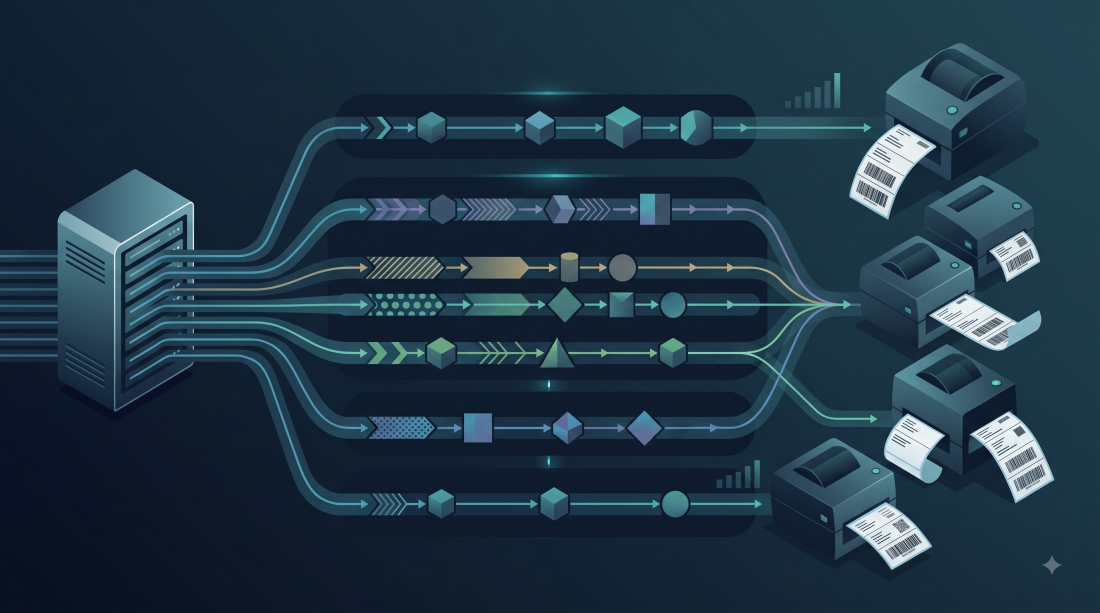
You add a label layer between your WMS and your printers. The WMS sends order data to the label infrastructure via API. The infrastructure applies the right transformations (barcode, logo, compliance fields, format) and sends ZPL to the printer.
Pros: one integration, all clients. Pipeline engine handles every variation. API-first means no desktop software, no per-workstation licenses, no vendor projects.
Cons: requires an initial integration effort (typically 1 to 2 days for a developer).
The label layer is not a replacement for your WMS. It is a complement. The WMS says what to print. The label layer says how to print it.
WMS → Order data (JSON/API) → Label Infrastructure → ZPL → Zebra Printer
The label infrastructure holds:
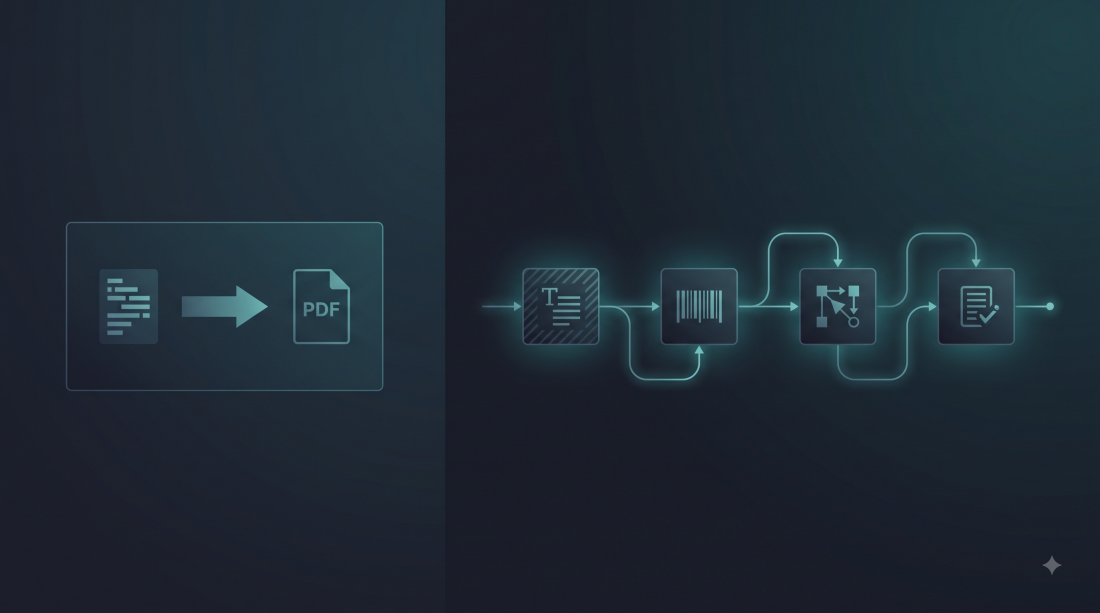
When a client asks for a label change, you update the pipeline. Not the WMS. Not the ZPL template manually. The pipeline. One JSON update, and every subsequent label gets the new transformation.
A regional 3PL in the Netherlands manages labels for 30 clients. Before implementing a label layer:
After implementing a label layer:
The savings are not just financial. The operations team stops being a bottleneck. The IT team focuses on the WMS instead of ZPL debugging. Clients get responses in hours instead of weeks.
If you want to measure your own hidden cost, here is a simple exercise:
If the number is above 5,000 euros per year (and for any 3PL with more than 5 clients, it almost certainly is), you have a label infrastructure problem, not a label tool problem.
Next time you talk to your WMS vendor, ask: “Can your system handle dynamic label transformations for multiple clients without a customization project?”
If the answer is “we can build that for you,” you have your answer. They will charge you for every change, and every change will take weeks.
If the answer is “no, but you can integrate with a label service,” you are ready for the next step.
zplflow offers a free tier with 1,000 tokens per month, enough to test with your real templates. No credit card required. The Growth plan at 149 euros per month covers 80,000 tokens, which is enough for most regional 3PLs and mid-size manufacturers.
Calculate your label cost and try zplflow free
zplflow is label infrastructure for 3PLs and manufacturing. The label layer between your WMS and your Zebra printers. API-first, zero maintenance, deterministic pricing.
Tags