Engineering
6 min
Thermal labels aren't office documents. 203 DPI, bitmap fonts, density commands , here's why most PDF converters get it wrong and what it costs your line.
zplflow team
Jul 24, 2026
You take a PDF your client sent, push it through one of those online converters, and the output looks fine on screen. Then you send it to a Zebra on the line. The barcode won’t scan. The font is fuzzy. The address is shifted 4 mm to the right. The pallet gets rejected at the next handover.
Sound familiar?
A 4"x6" PDF your designer built at 300 DPI is 1,200 by 1,800 pixels. It uses embedded TTF fonts with smooth outlines. It assumes an inkjet or laser printer that renders vector graphics at high resolution. It has no concept of thermal head energy, no barcode module width, no media feed.
A 4"x6" Zebra label is 812 by 1,218 pixels at 203 DPI. It uses built-in bitmap fonts (or downloaded ones). The thermal head burns dots at a fixed resolution. The ^BY command controls bar width. The ^MD command controls darkness. The ^PR command sets print speed in inches per second. None of that exists in the PDF world.
A generic converter rasterizes your PDF and pushes the pixels. It doesn’t know any of this. So the barcode that scans perfectly in the designer’s preview is unreadable on the line, because the module width was wrong for the target DPI.
A label-aware converter doesn’t just rasterize. It understands ZPL.
dpi query parameter selects the target printer resolution.contain (preserve aspect ratio, fit inside the label), cover (fill the label, crop overflow), stretch (force fill, distort).^MD maps darkness, ^PR controls print speed , both affect how readable the result is on the actual media.max_kb parameter enforces a hard ceiling so the printer doesn’t reject or truncate the job.allow_degrade.None of this is in the spec for a generic file converter. They don’t know what a Zebra is. They don’t know what GS1 is. They just convert bytes.
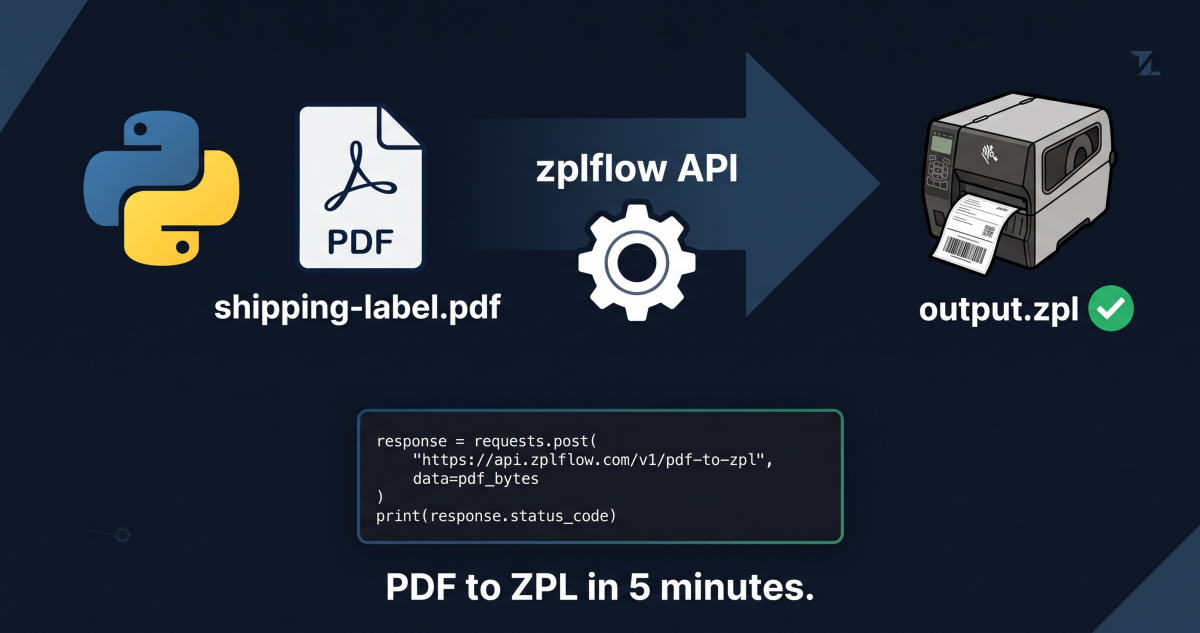
This is what a label-aware PDF to ZPL call looks like for a 4"x6" shipping label on a 203 DPI Zebra:
curl -X POST "https://api.zplflow.io/v1/convert/pdf-to-zpl?dpi=203&width=101.6&height=152.4&unit=mm&fit=contain&max_kb=32&allow_degrade=false" \
  -H "Authorization: Bearer lb_your_key" \
  -H "Idempotency-Key: ship-2026-07-24-001" \
  -H "Content-Type: application/pdf" \
  --data-binary "@shipping-label.pdf"

# Response: ZPL pages in base64, ready to push to the printer
# Time: ~80 milliseconds for a 4"x6" label
# Cost: 3 tokens (PDF-to-ZPL at 203 DPI)
The dpi, fit, max_kb knobs are not optional. They’re how you tell the encoder “this is going to a thermal printer, not a PDF reader.”
| Office PDF | Zebra Label (203 DPI) | |
|---|---|---|
| Resolution | 300 DPI vector | 203 DPI raster (812x1218 px for 4"x6") |
| Fonts | Embedded TTF (smooth at any zoom) | Built-in bitmap or downloaded TTF |
| Color | Full CMYK | Black only (single thermal head) |
| Commands | None , it’s a document | ^BC, ^BY, ^MD, ^PR, ^FB… |
| Output cap | Unlimited (megabytes) | ~32 KB ZPL buffer per label |
| Reading | Human eye | Barcode scanner, OCR, or eye |
When a generic converter produces a “fine looking” PDF that fails on the line, it’s almost always because the converter treated the label as a document.
If you’re seeing barcodes that don’t scan, fonts that print fuzzy, or labels that get rejected downstream, the fix is rarely “use a different PDF.” It’s: send the conversion through a path that knows the target printer.
dpi=203, fit=contain, max_kb=32If the scanner reads it, you just learned something about your current toolchain. If it still fails, the input PDF needs work , and now you know that for sure, without guessing.
zplflow is label infrastructure for 3PLs. API-first, zero maintenance. Convert PDF to ZPL, transform labels with programmable pipelines, print on any Zebra.
Tags